
We've all been there. You're logging into the system for the first time after the summer break, but you can't remember your password. Luckily, it's easy to set up a new one!
Quick Steps
- On the Login page, click Forgotten Password
- Enter your email address and click Email Reset Link
- Click Follow this link in the email we send you to be directed to the reset page
-
Enter your email address in the top field
-
Enter your password and confirmation of the password
-
Once each field is complete, click Reset Password. If the passwords match and fit the criteria, you will receive a confirmation message.
Need More Detailed Help?
On the Login page, you should see a Forgotten Password option. Click this to get started with the reset process.
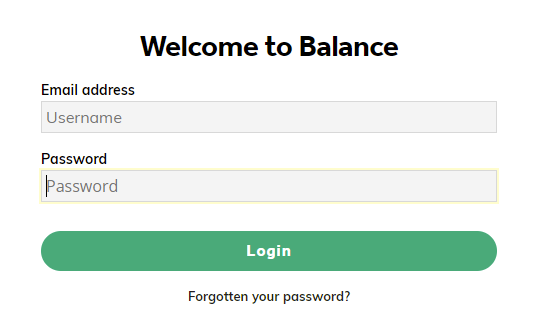
You then need to enter your email address and then click Email Reset Link.
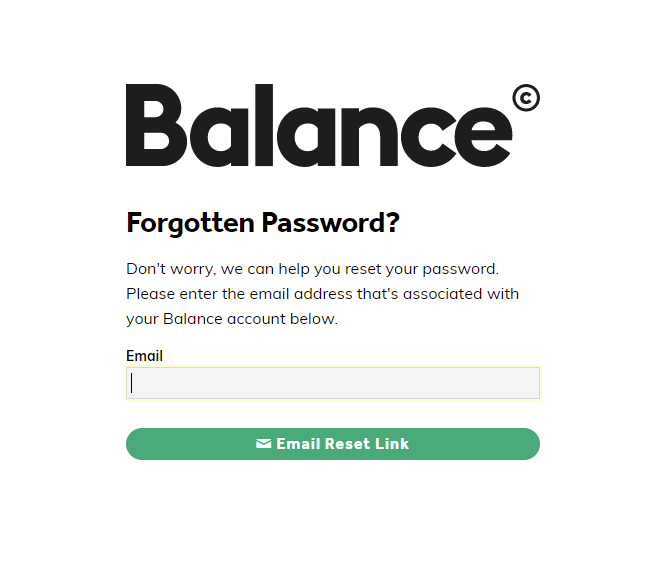
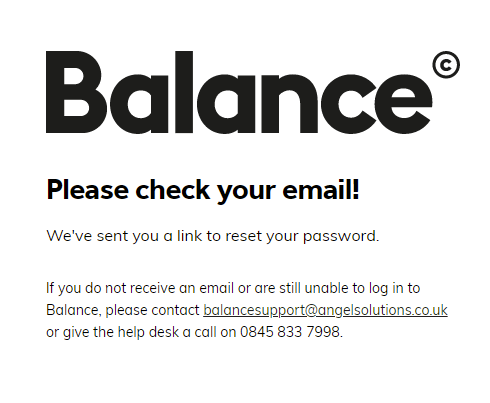
Once done, the following message will appear:
If we have found a matching account for the email address, then you will receive the email below. If we cannot find a matching email address. No email will be sent. Please contact your Balance Administrator to check that you are on the system.
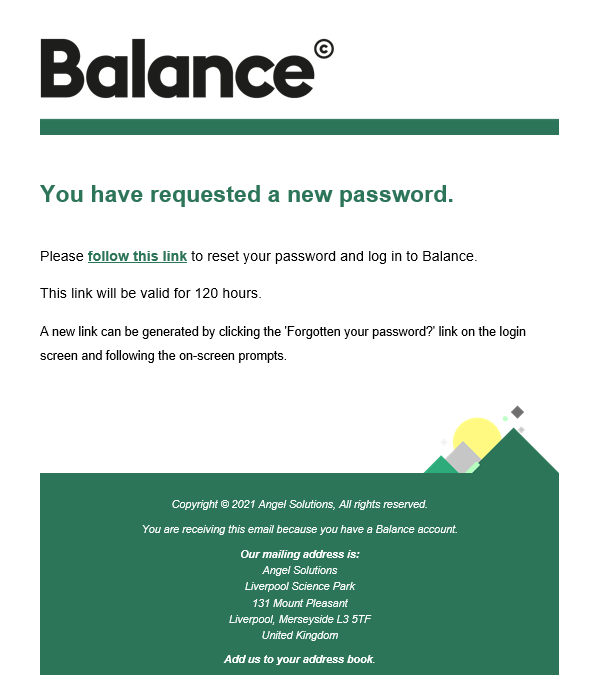
Click Follow this link or the text link within the email to be directed to the reset page.
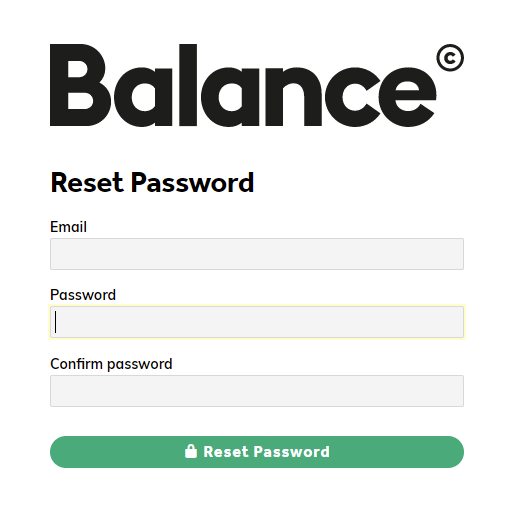
Enter your email address in the top field.
Enter your password and confirmation of the password. Your password must contain at least 8 characters and contain a mixture of both letters and numbers.
Once each field is complete, click Reset Password. If the passwords match and fit the criteria, you will receive a confirmation message.
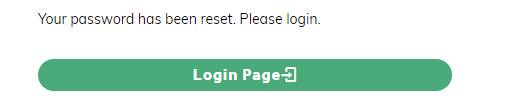
Common Messages You May See when Resetting Your Password

The password you have entered does not match the password in the confirmation box below. Please check both passwords you have entered, to ensure they match exactly.
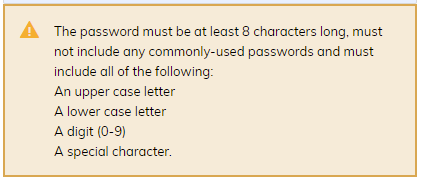
Your password must be at least 8 letters long and it cannot contain certain more obvious or common words. These include 'test', 'balance', 'password', or anything related to your name (such as 'Wendy123').
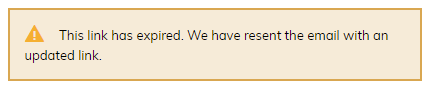
If you see the above error, it means that the link you are using to reset the password has either expired, already been used or has been used unsuccessfully too many times.
A new password reset link will be sent automatically.