
The Attainment Analysis will allow you to view a current snapshot or a full years analysis of attainment for each subject and compare this information across different contextual groups.
It can be accessed by going to Analysis > Attainment Analysis.
Current Snapshot
The Current Snapshot will show you the attainment analysis across various contextual groups as it is in this moment in time.
You can filter to select the subject you would like to look at, you can also filter into a specific module within that subject and the depth of learning for that module or subject.
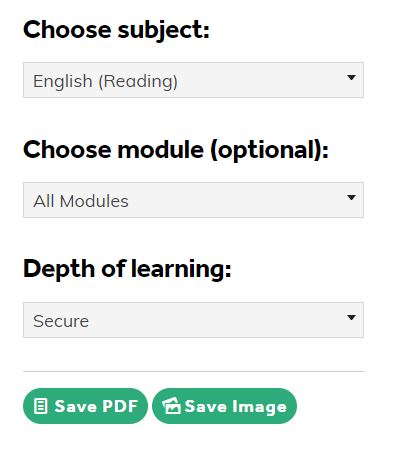
Once you have the snapshot set to your liking, you can export the data into a PDF, or save it as an image.
You can do this by clicking on the Save PDF or Save Image buttons, accordingly.
Attainment Over Time
This section will show you the attainment analysis over a full academic year from September to July.
Here you can choose any subject and go deeper by selecting a specific module. You can select a comparator too by selecting one of the contextual groups and breakdown into the depth of learning.
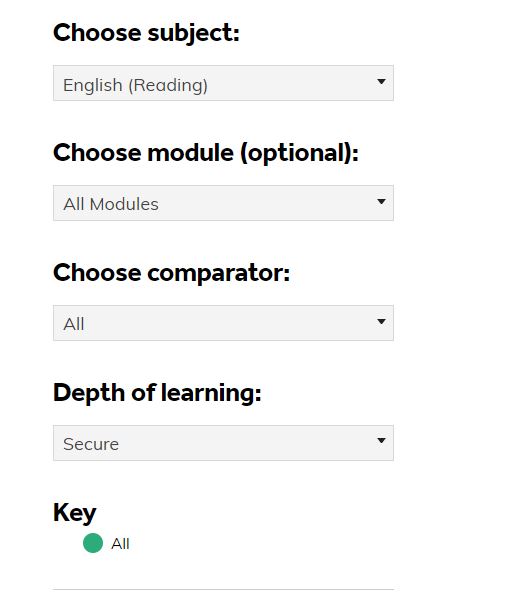
Once you are happy with your Learning Matrix, you can export the data into both a PDF or Excel sheet.
You can do this by clicking the Save PDF and Export Excel buttons.